
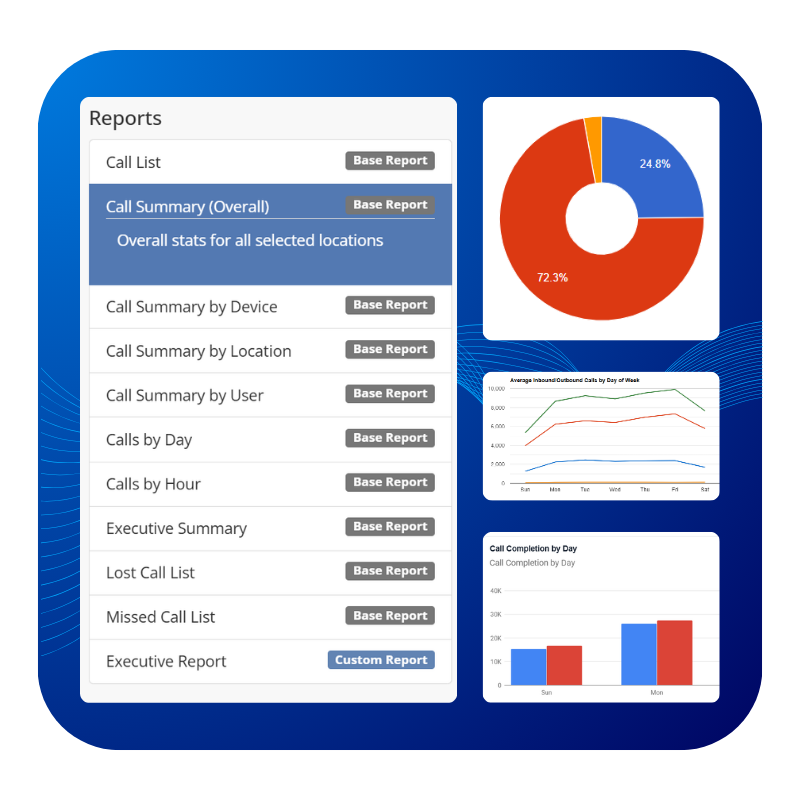
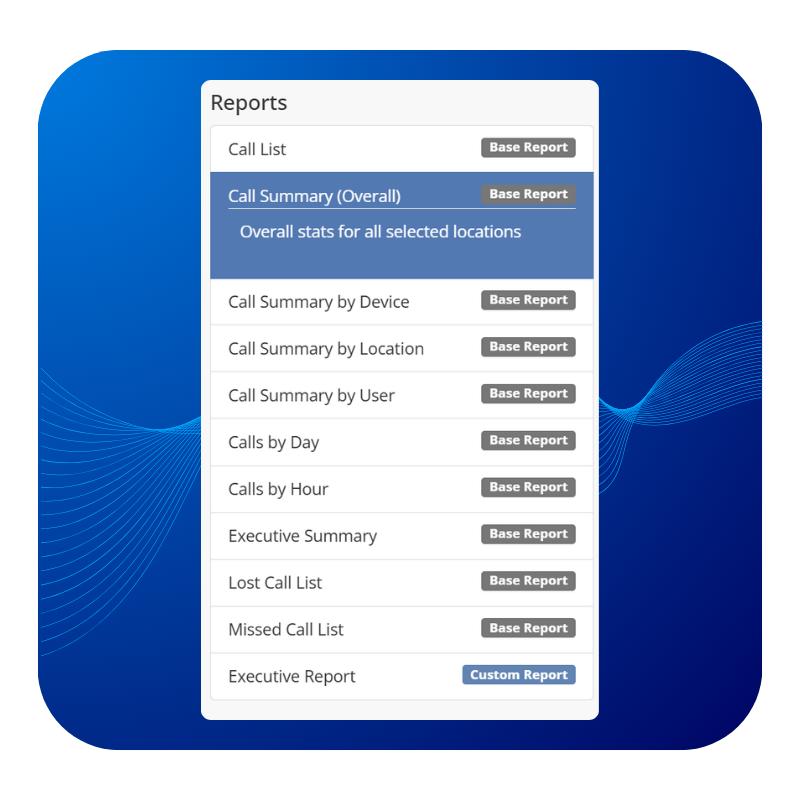
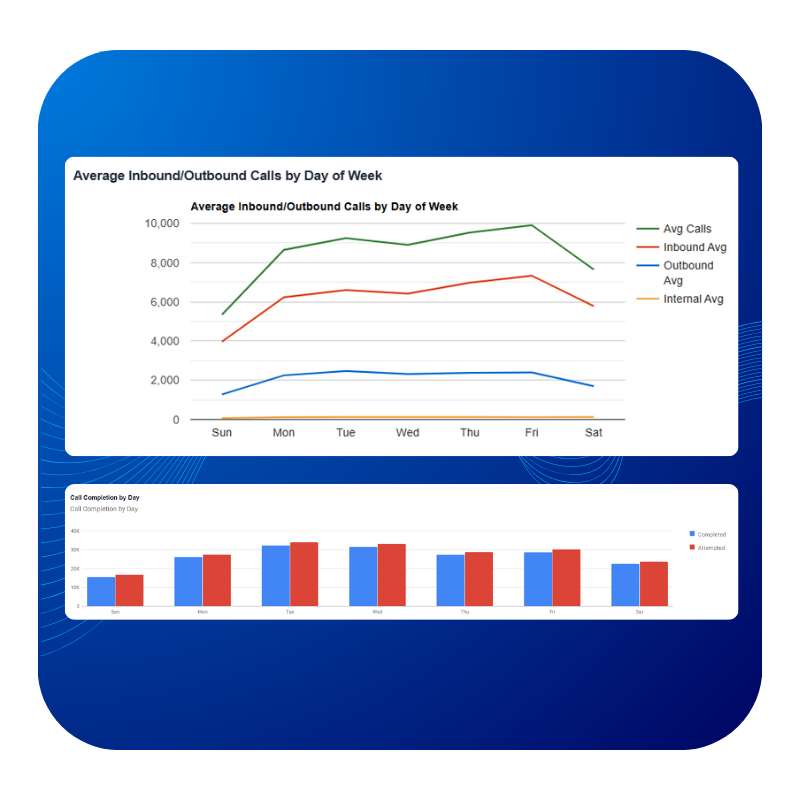
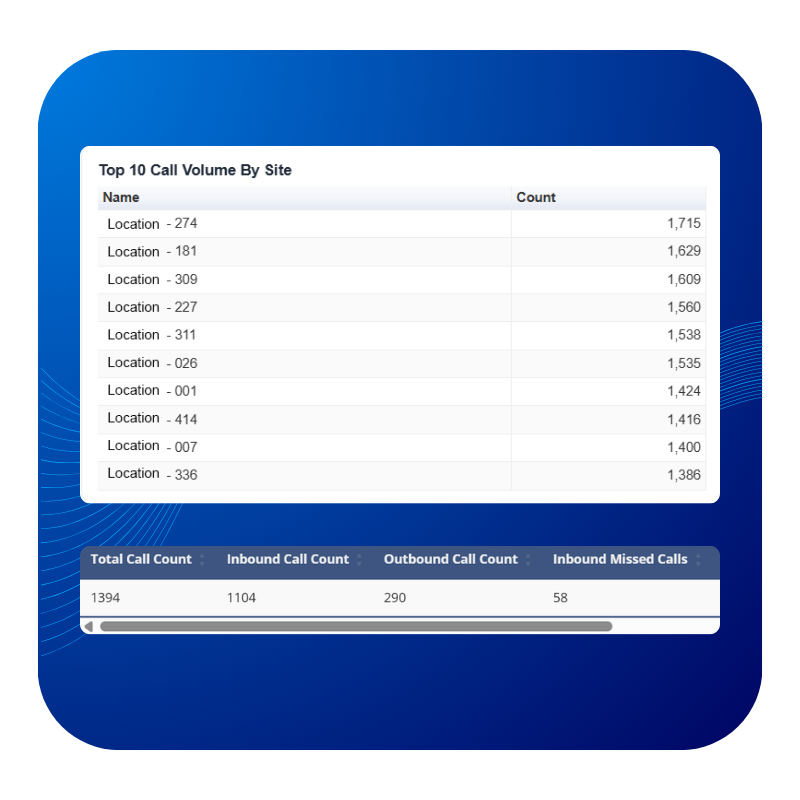
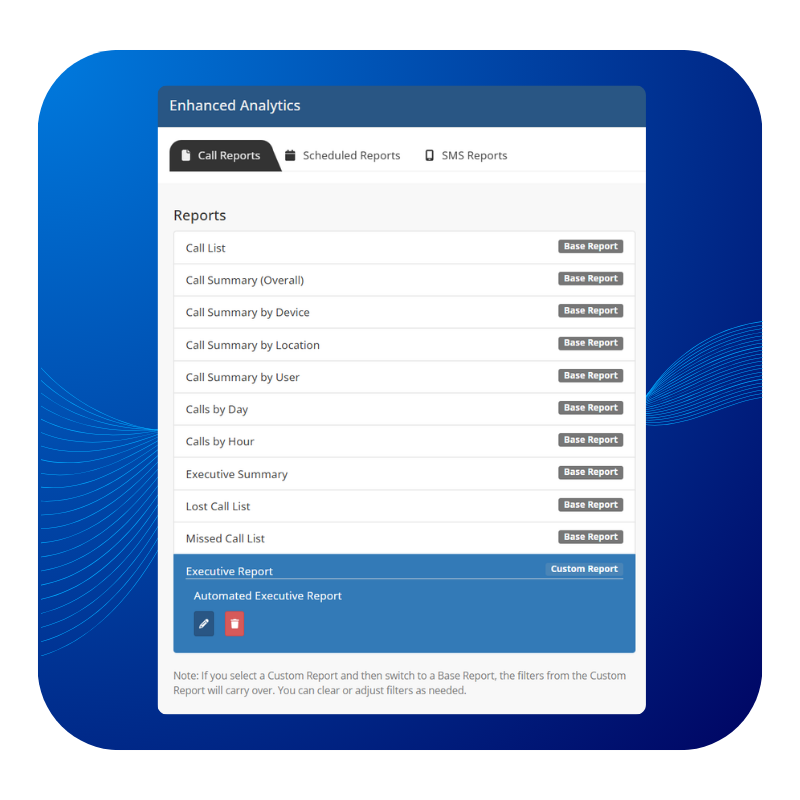
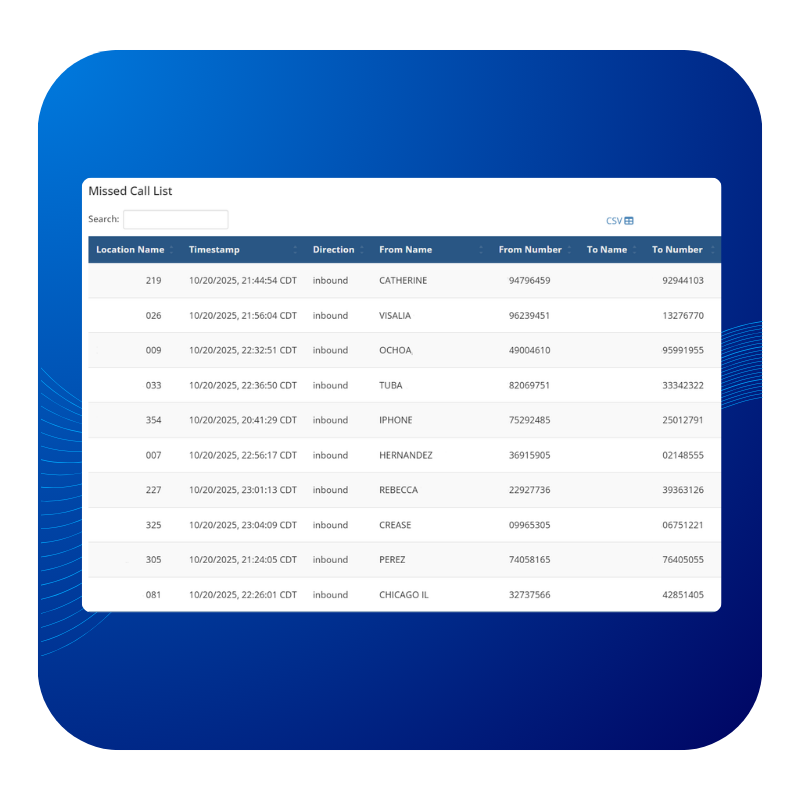



Enhanced Analytics gives you visibility into your business’s call activity directly within your SimpleVoIP Admin Portal. Whether you manage one location or many, you can quickly review calls, identify missed opportunities, and track trends over time.
Any report you generate in Enhanced Analytics can be exported as a CSV file with a single click. This makes it easy to open your data in Excel, share insights with leadership, and compare performance over time. Many teams also use exports to support internal reporting, planning, and ongoing performance reviews without needing additional tools.
Enhanced Analytics is built to support businesses at every stage. Whether you run a single location, manage a growing group of sites, or oversee a large enterprise with regional or brand-based reporting needs, the platform scales with you. As long as your business has call traffic, Enhanced Analytics is available to you at no additional cost.
Enhanced Analytics is already part of your SimpleVoIP Admin Portal, so there is nothing new to install and no add-ons required. Simply log in to your portal, click Enhanced Analytics, and start exploring your call data right away.
Enhanced Analytics gives you clear access to your call reporting data so you can take action based on what you see. You can quickly pull missed call reports for follow-up, review call volume over a specific time period, and export reports to compare results over time or share internally. Everything is available in one place inside your SimpleVoIP Admin Portal, making it easier to find the data you need.

Yes. Enhanced Analytics is available at no additional cost to all SimpleVoIP customers with call traffic.

It's best used for understanding call volume and trends, identifying missed or lost calls, reporting across multiple locations, exporting call data for internal analysis, and scheduling recurring call reports.
Customers using on-site PBX systems or SIP trunk configurations may see limited detail in reports.
Enhanced Analytics provides call activity reporting that includes call volume, call lists, missed call reporting, and lost call reporting where applicable. Reports can be filtered by date range, location, or site group, and they can be run on demand or scheduled for automatic delivery.

Yes. Enhanced Analytics allows you to generate reports for specific date ranges, including weekly, monthly, or fully custom time periods. Teams can also use exported CSV files to compare call volume and trends over time.
No, it does not, but please check out our Simple Intelligence product that does.

No, it does not, but please check out our SimplyAI and Simple Intelligence offerings that do!

Yes. Reports can be filtered by date range, site or site group, and report type. These filters can be saved and reused to maintain consistent reporting.
Yes. All reports in Enhanced Analytics can be exported as CSV files. This makes it easy to share data internally, review information in Excel or spreadsheets, compare results over time, and support internal reporting or analysis.